Prototype One
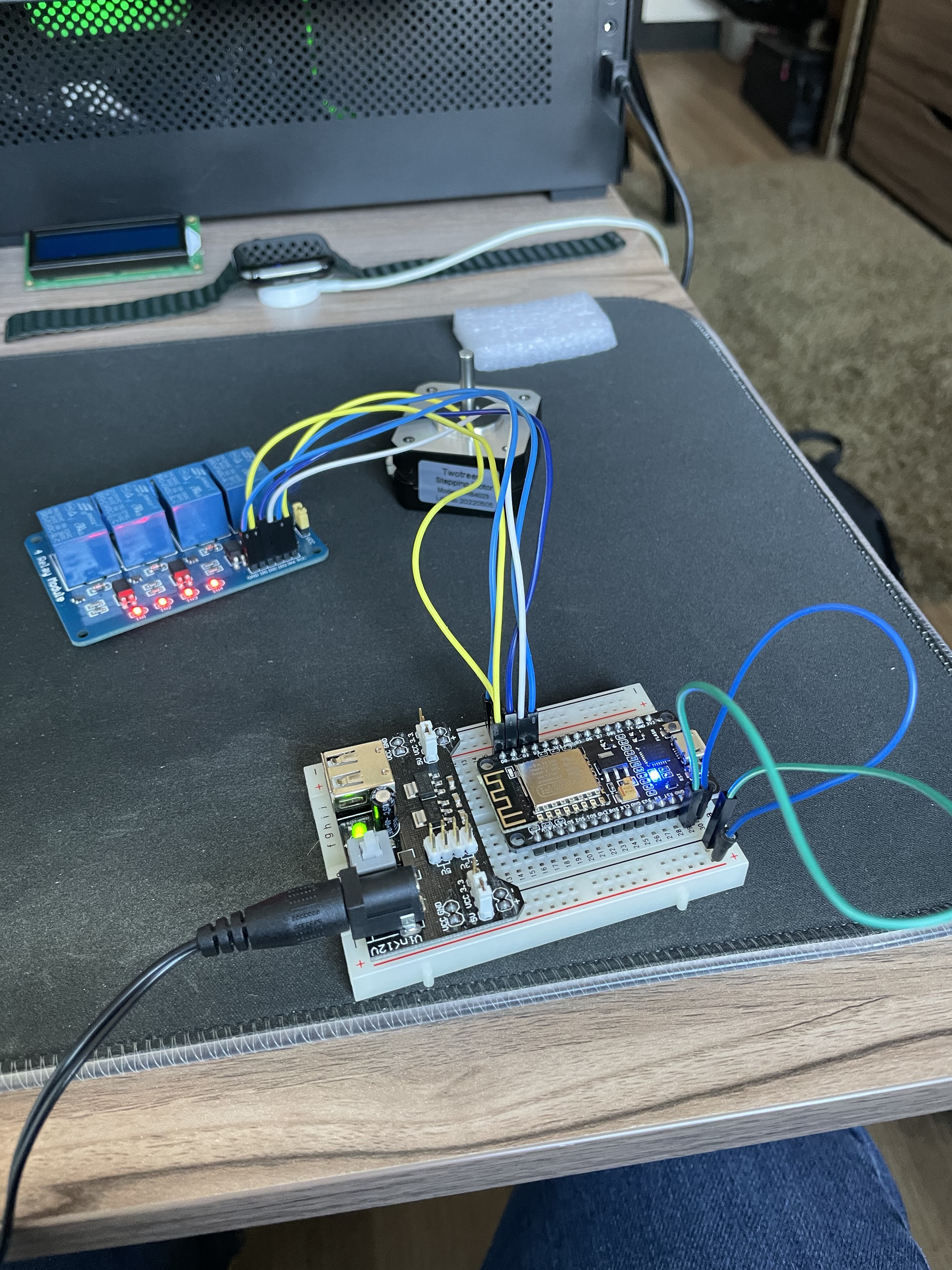
The first prototype consisted of one NodeMCU and a relay module with 4 relays. The relays would be used to modulate the poles of a two pole stepper motor by using the Stepper.h library included with the Arduino IDE.
Problem Statement: When I moved into my college dorm room, I quickly realized that my roommate and I had a nack for losing our keys. As a result I decided to build a machine to open our door for us; therefore, I could reduce the chance of being locked out.
Solution: The solution to the problem was a machine that would be able to open my door for me. I settled on a web interface backed by an embedded system attached to the door that acts as a server. Clients press a button on the website and the machine (an ESP8266/NodeMCU) responds by operating a stepper motor to open the door.
Skills Used:
The first prototype consisted of one NodeMCU and a relay module with 4 relays. The relays would be used to modulate the poles of a two pole stepper motor by using the Stepper.h library included with the Arduino IDE.
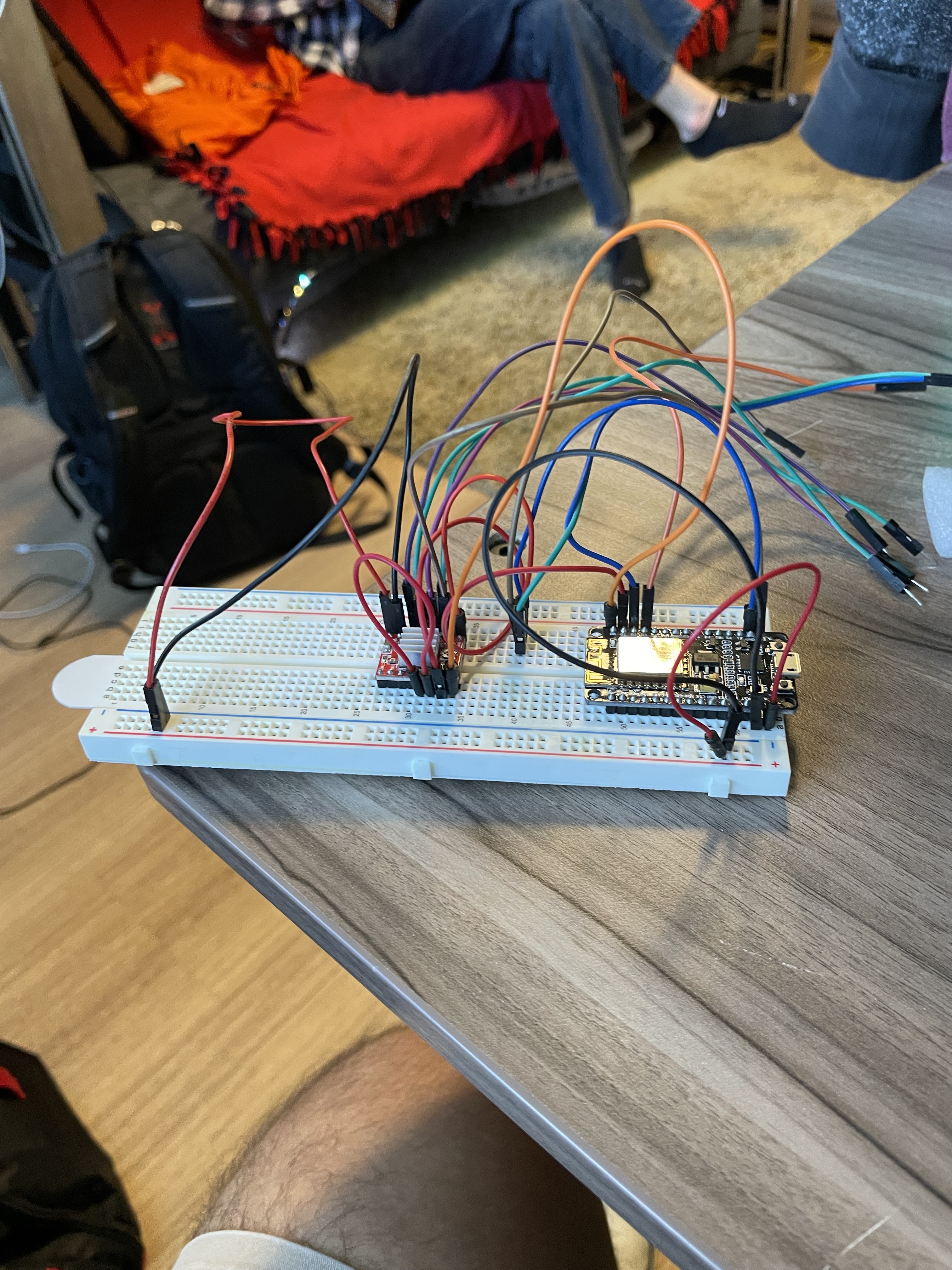
After testing the relay module method, I realized the correct solution to the problem was to use a stepper driver to control the stepper motor. The driver chosen was the A4988 Stepper Driver due to its low cost and versatility.
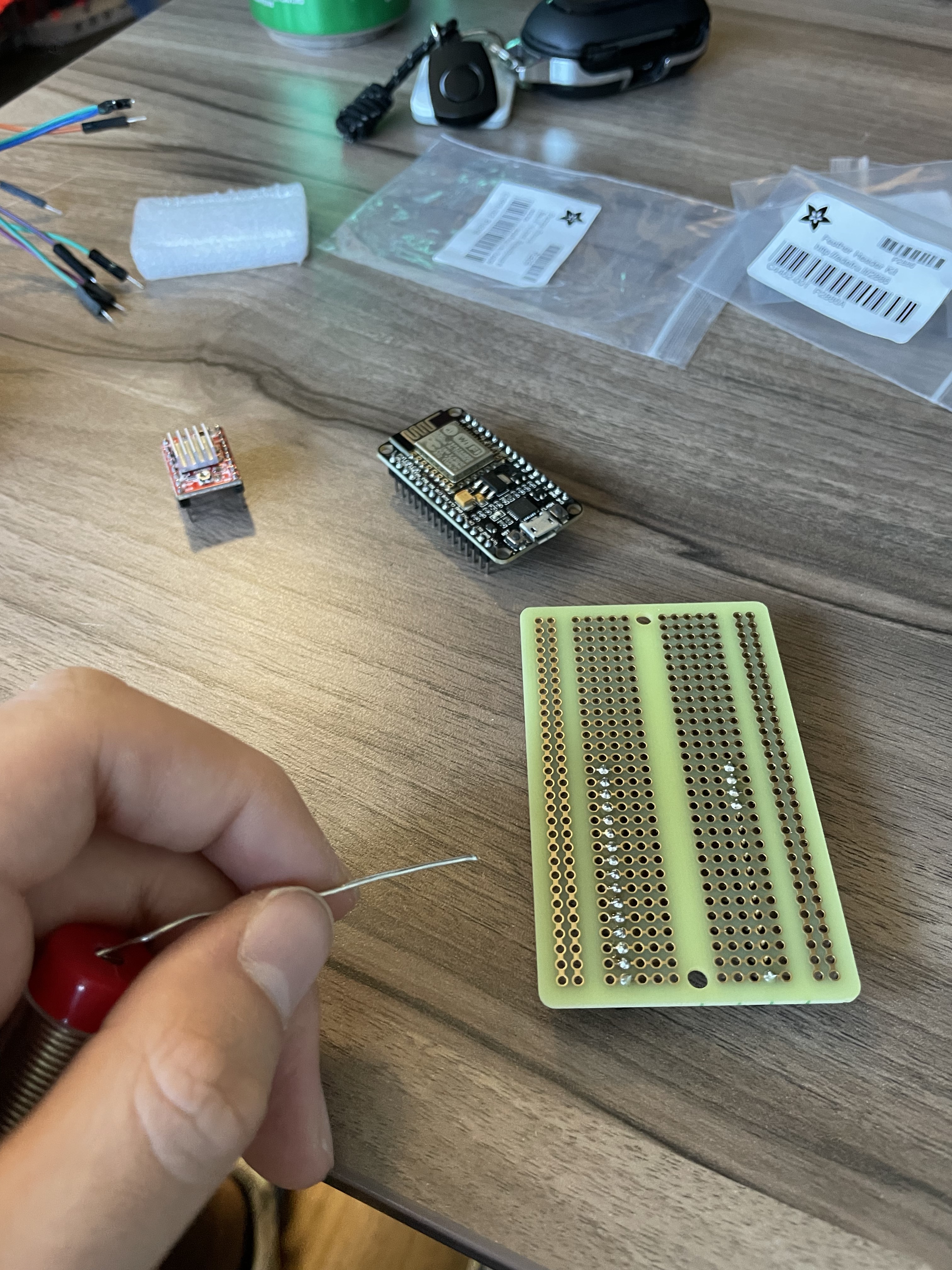
The new design was soldered onto a breadboard PCB to make it more robust for testing the machine on the door. The previous breadboard approach was prone to falling apart when mounted vertically.
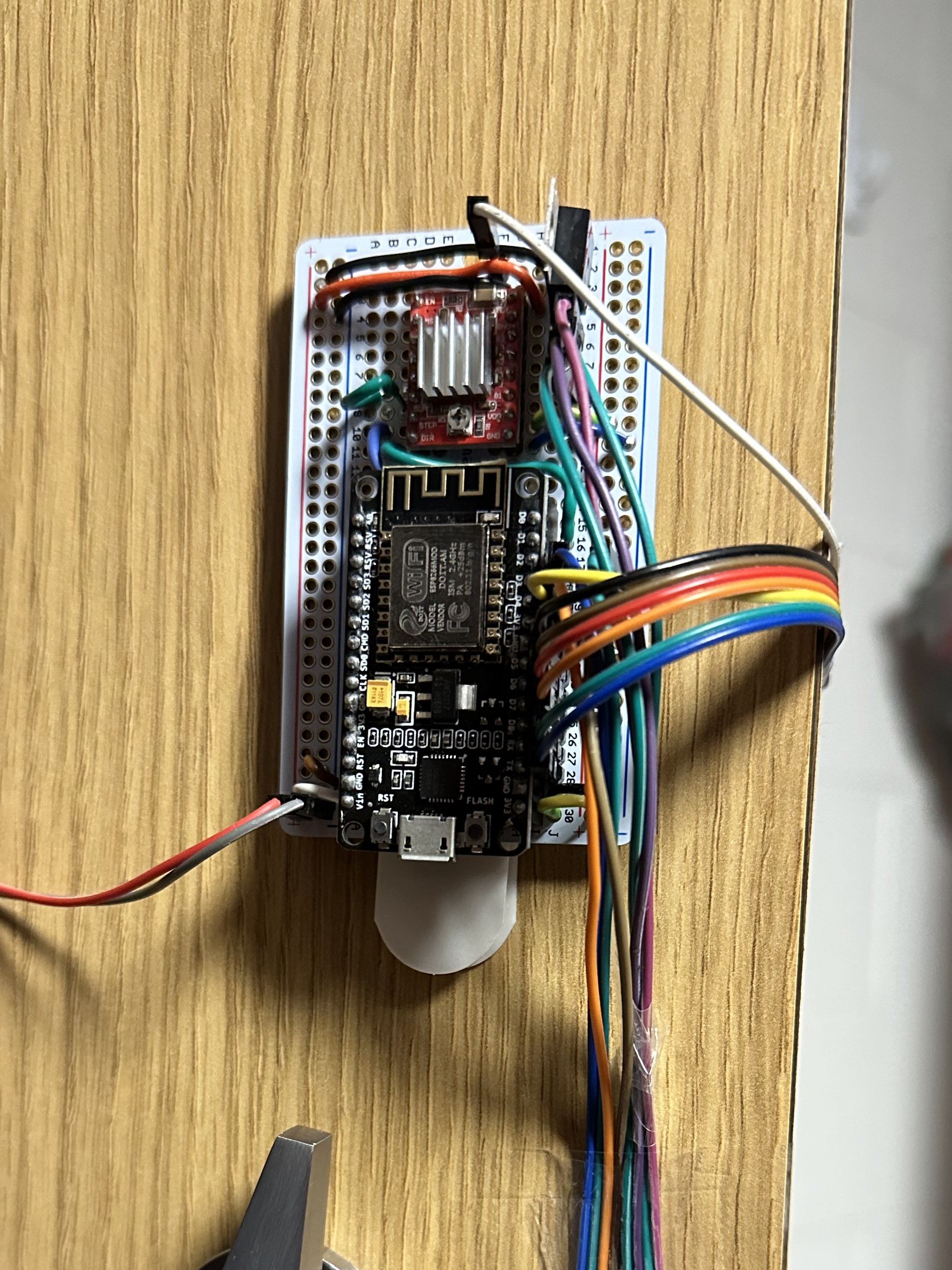
The first working version of the door opener is pictured above. The first version was inefficient with space because it used a very large assembly to pull on the door handle. At the time, this was all we had to solve the problem.
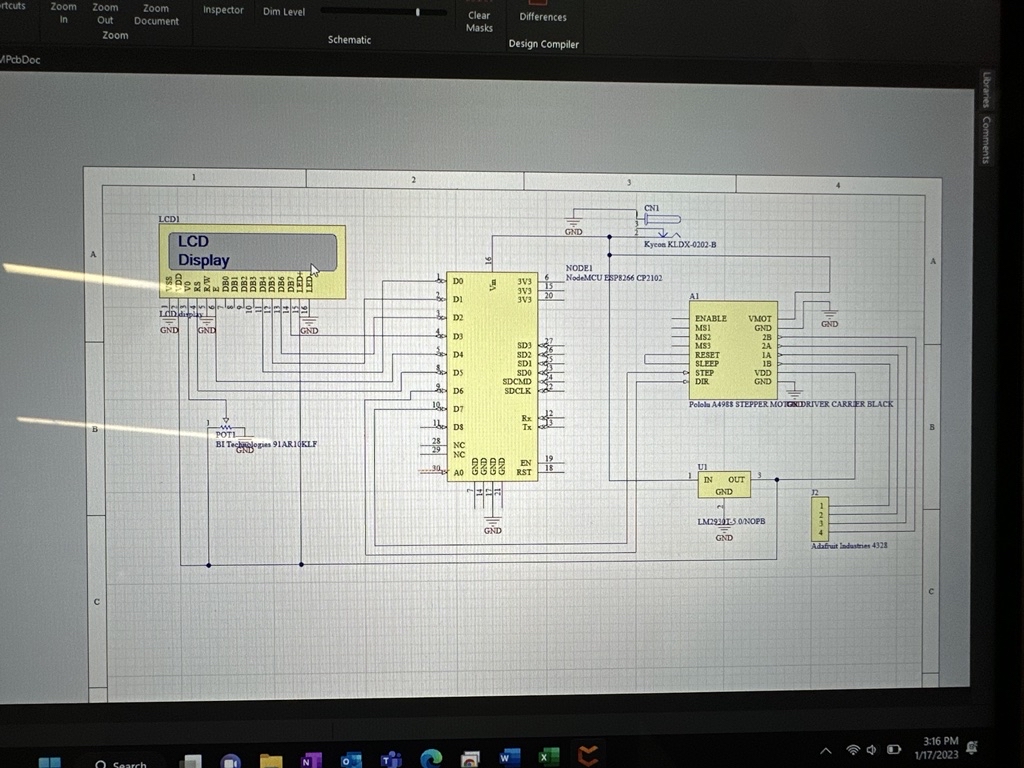
After identifying the shortcomings of Version 2, I moved on to a custom solution which allowed me to move away from the soldered breadboard and create a custom housing for the new PCB design. It also gave the opportunity to address the size issue of the machine that physically opened the door.
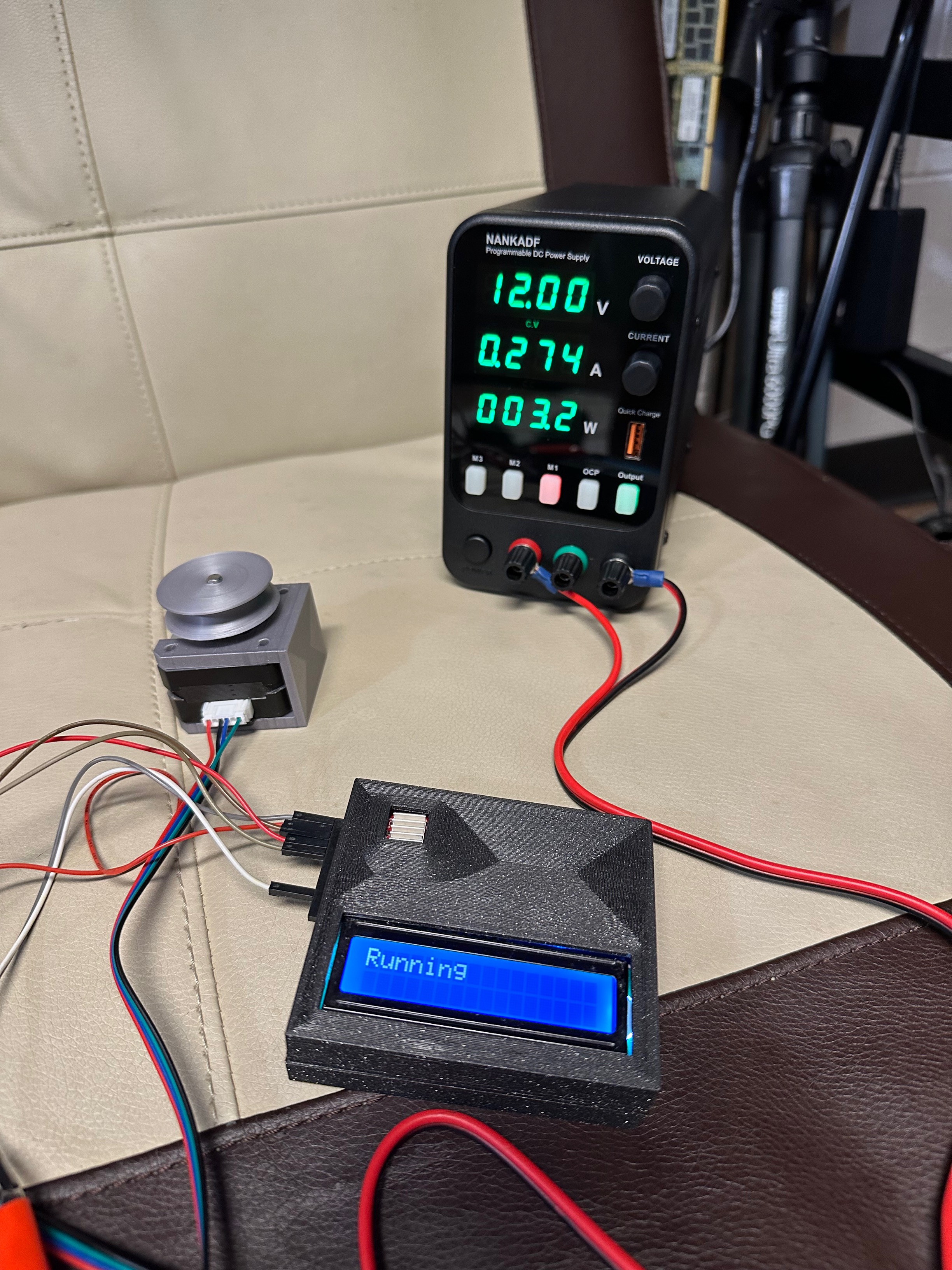
Depicted in the images is the current version of the door opener, Version 3. Most issues from previous versions have been addressed: the size of the apparatus that pulls on the door handle has been decreased, the web interface has been refined, and the embedded system is visually appealing.